
Newsletter
Join the Community
Subscribe to our newsletter for the latest news and updates
ViewsMax is an AI-powered YouTube growth tool with unlimited scripts, viral titles & thumbnails, trend predictions, and performance analytics in one dashboard.
Browse visual prompt examples, compare model outputs, and open each image to inspect the full prompt behind it. Updated daily with fresh curated prompts.
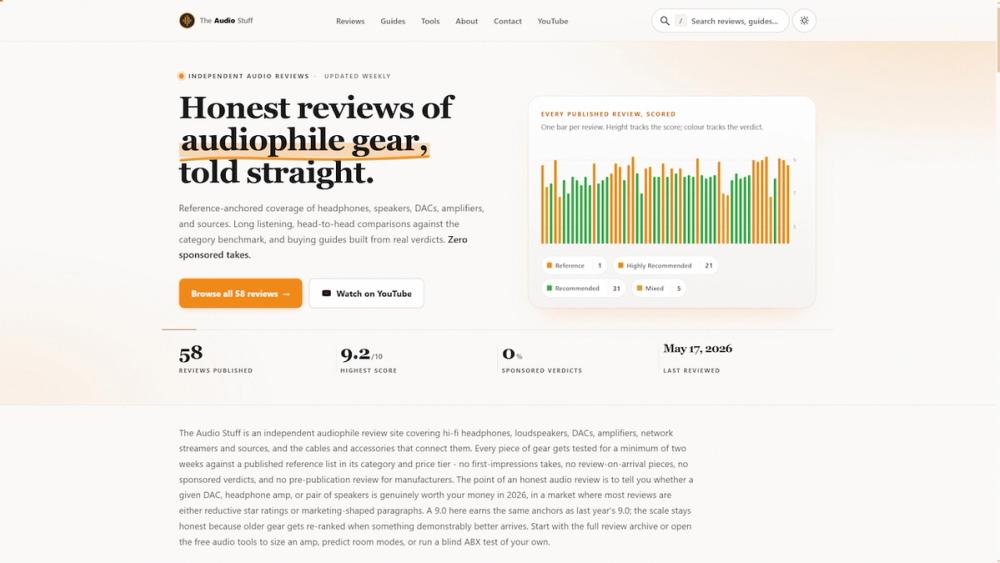
An independent publication offering hands-on Hi-Fi gear testing, standardized scoring, and a collection of free web tools for audiophiles.
Are you struggling to grow your YouTube channel? Creating content that gets views, subscribers, and engagement can feel like shooting in the dark. That's where Viewsmax comes in — your AI-powered toolkit designed to help YouTube creators build and monetize their audience fast.
In this guide, you'll learn how every Viewsmax feature works and how to use them to improve your channel's performance.
Viewsmax is built for creators who want to:
Your thumbnail is often the first thing viewers see. A high-quality thumbnail can significantly boost your click-through rate.
Here are three quick actions:
Success on YouTube comes from consistent, data-driven execution. Viewsmax gives you the tools — the rest is taking action.
What's your biggest challenge with growing your YouTube channel? Let me know in the comments! 👇