Newsletter
Join the Community
Subscribe to our newsletter for the latest news and updates
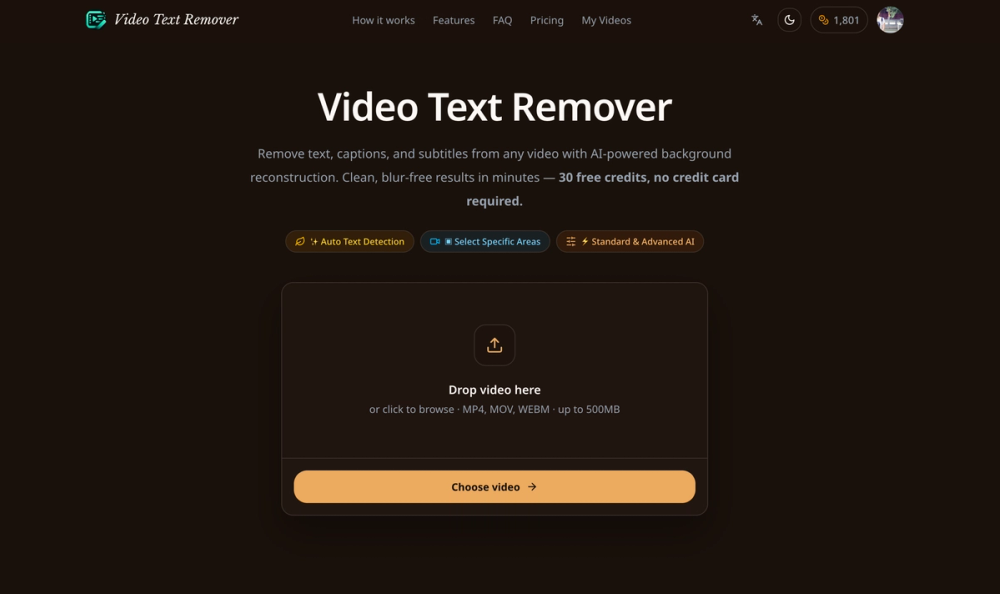
Video Text Remover: AI-powered tool to erase text, captions, and subtitles from any video. 30 free credits, no credit card required.

See how AI image prompts combine example images, full prompt text, model filters, categories, favorites, and optional on-site generation.

Pet Shop & Grooming Salon Management Software
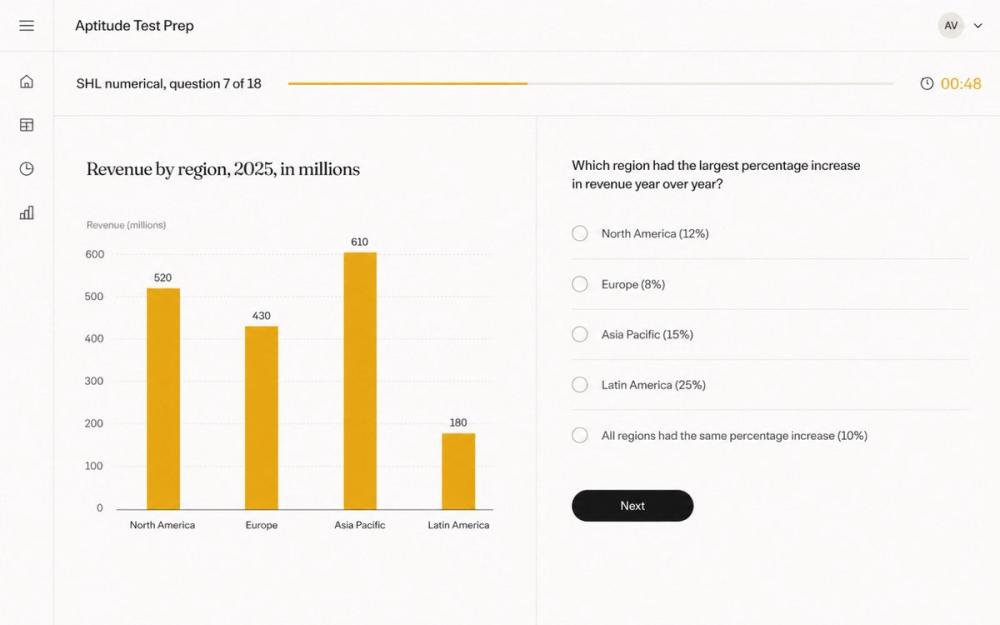
Free timed practice for real employer aptitude tests.
Video Text Remover is an AI-powered online tool designed to help users remove unwanted text, subtitles, captions, logos, timestamps, watermarks, and other text-based overlays from videos. It provides a simple browser-based workflow that allows creators, editors, marketers, and everyday users to clean up videos without relying on complicated desktop editing software.
The platform is built around one core goal: making video text removal as simple as possible.
Instead of manually editing a video frame by frame, users can upload a video and let Video Text Remover process the unwanted content automatically. The tool analyzes the video, identifies the areas containing text, and reconstructs the surrounding visual content so that the removed text blends naturally with the original scene.
For videos where automatic detection may not be ideal, Video Text Remover also provides a more controlled removal workflow. Users can select the area they want to clean and specify exactly which part of the video should be processed. This is especially useful when dealing with fixed watermarks, subtitles located in a consistent position, channel logos, usernames, timestamps, or other overlays that remain in the same region throughout a video.
Video Text Remover can be useful in many different scenarios. Content creators can remove outdated captions before repurposing a video for another platform. Social media managers can clean up downloaded clips before adding new branding or subtitles. Video editors can remove burned-in text from footage when the original source file is no longer available. Users can also remove distracting text overlays from personal videos, product demonstrations, tutorials, short-form videos, promotional clips, and other types of visual content.
The platform is designed to work entirely online, so users do not need to install professional video editing software or configure complex AI models locally. The workflow is straightforward: upload a video, choose the text removal method, process the video, and download the cleaned result.
One of the main advantages of Video Text Remover is that it focuses specifically on removing text from videos rather than trying to replace a full video editor. Traditional editing tools often require users to understand masks, tracking, keyframes, cloning, and other advanced concepts. Video Text Remover aims to automate much of this work and provide a faster solution for users who simply want unwanted text to disappear.
The AI-based processing technology attempts to reconstruct the background behind the removed text by using information from surrounding pixels and neighboring video frames. This makes it possible to generate more natural-looking results than simply blurring, cropping, or covering the unwanted area.
Video Text Remover supports a range of common use cases, including removing subtitles from videos, deleting captions, cleaning watermarks, removing logos, eliminating timestamps, removing usernames, and cleaning text overlays from social media videos. It can also be useful when preparing videos for localization, allowing old subtitles or text to be removed before new translated content is added.
The platform uses a credit-based processing system so users can try the service without immediately committing to a subscription. New users can receive free credits to test the tool and evaluate the output on their own videos before purchasing additional processing capacity.
Because AI video processing can vary depending on the source material, results may depend on factors such as background complexity, camera movement, text size, text transparency, and whether objects move behind the text. Simple overlays placed on relatively consistent backgrounds usually produce the best results, while highly dynamic scenes may require more targeted area selection.