Newsletter
Join the Community
Subscribe to our newsletter for the latest news and updates
AI stamp generation in private beta and a browser editor for logos, text and borders, with SVG and transparent PNG exports.

See how AI image prompts combine example images, full prompt text, model filters, categories, favorites, and optional on-site generation.
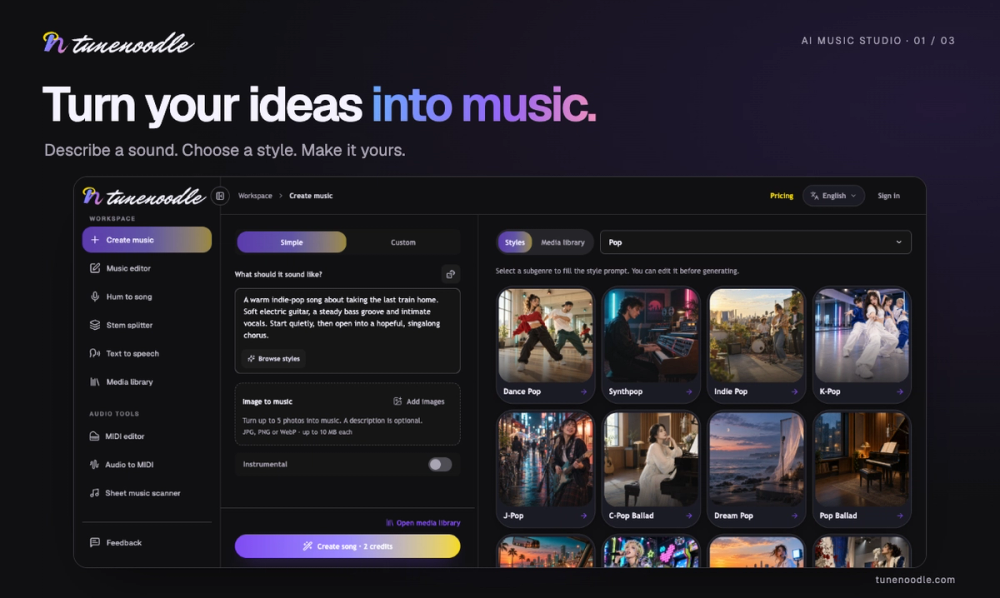
Tunenoodle turns text, lyrics, images, and humming into AI songs. Create vocal tracks or instrumentals, extend songs, replace sections, and blend tracks. Explore stem separation, text to speech, and browser audio tools.
Stampy combines AI stamp generation, currently in private beta, with a browser-based editor for digital stamp artwork. The AI generation feature is implemented and undergoing internal testing. It is not yet generally available; the public automatic mode is clearly labeled Local Demo.
The public browser editor lets you upload a PNG, JPEG, WebP or SVG logo and position it inside a stamp layout. Add text and borders, move or resize layers, choose a round, oval, square or rectangular shape, and inspect the composition in a live preview. Export the finished design as SVG or a 1600 by 1600 transparent PNG.
A separate stamp image cleaner can isolate ink colors in raster images. Browser drafts are stored locally, so users should export important work before clearing site data or switching devices. SVG exports preserve the stamp composition but do not automatically turn a raster logo into newly traced vector artwork. Stampy creates digital artwork rather than physical rubber stamps. The current public editor and exports work without payment; AI access and pricing will be announced separately.
Designers and independent makers can use their own authorized logos and wording to build stamp graphics for documents, presentations, mockups, or other layouts. Review the exported image at its intended size, especially when small lettering or thin borders are involved. The editor does not verify trademark permission or certify an official seal.