Newsletter
Join the Community
Subscribe to our newsletter for the latest news and updates
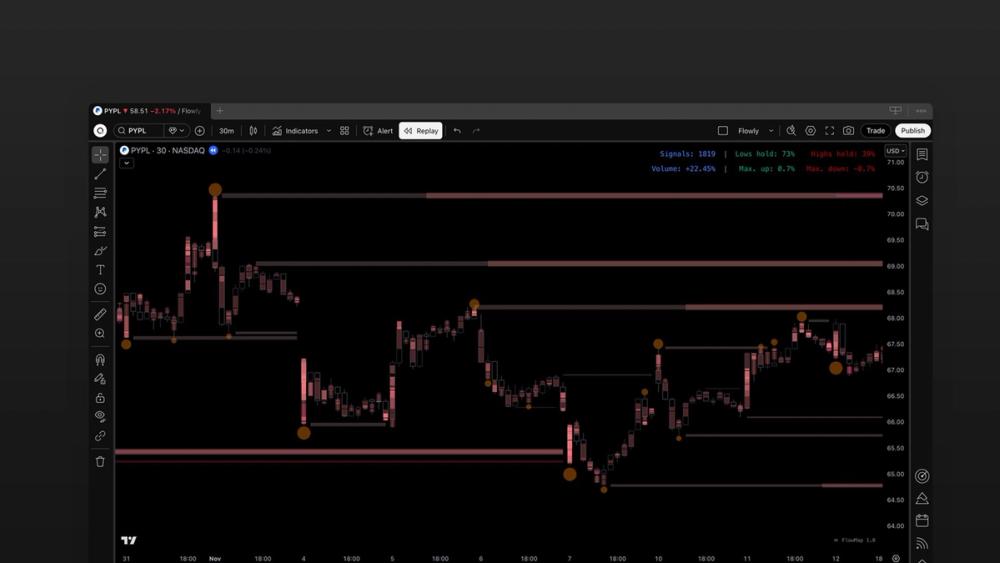
Get orderflow for TradingView. Spot rekt traders and whales, liquidity pools, unusual volume & backtest it.
AnnoGame is a free daily history guessing game. Place five historical events on the timeline, score up to 500 points, learn the real dates, and compare results without creating an account.
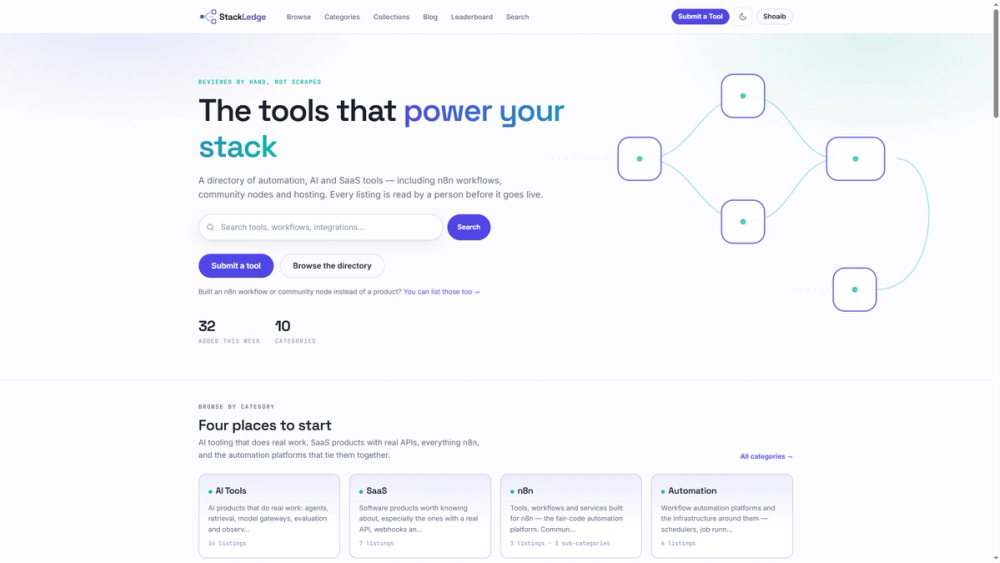
Skip the bot-scraped clutter. StackLedge is a human-curated directory of active SaaS, high-utility AI tools, and custom n8n workflows.
See through charts with orderflow. Spot rekt traders with liquidations, track smart money with liquidity heatmaps, detect unusual volume and backtest it. Powered by TradingView.
Introducing FlowMap
FlowMap is built to be minimal, yet a powerful orderflow tool for TradingView. FlowMap can be used on all markets and timeframes with advanced orderflow features, analytics with historical likelihoods as well as automation with alerts and scans.
Features of FlowMap
Liquidity Heatmap Find deep liquidity. See where traders are likely setting large buy and sell orders, ready to be swept.
Internal Flow See unusual volume with an X-ray view through candles. Detect aggressive high value orders hiding in inside candles.
Value Area & POC Follow the flows. See where majority of traders executed their trades and where the pinnacle of interest is located.
Liquidations Spot rekt traders with significant stop-loss triggered liquidations and identify when the path of least resistance is turning.
Backtesting Validate trade ideas with data. See historical volume and price impact for any single orderflow event or combine multiple ones.
Alerts Stop skimming through charts manually. Create a custom alert and get notified when flows are turning.
Market Scans Automate finding opportunities. Scan hundreds of charts at once for volume events.
How to Use FlowMap
Spot trapped traders See when traders are absorbed into limit orders and get trapped. Ride the loss-cover fueled squeeze.
Catch trends early Catch smart money initiating trends with conviction using aggressive hidden flows.
Ride breakouts Join strong flows moving the markets on liquidity pool breakouts.
Find pain trades Counter-trade liquidated traders puking their positions and exhausting price, turning path of least resistance to opposite direction.
Identify key levels Predict in advance where price will find resistance using liquidity pools.