Newsletter
Join the Community
Subscribe to our newsletter for the latest news and updates
Create Professional Vector Graphics in Seconds

See how AI image prompts combine example images, full prompt text, model filters, categories, favorites, and optional on-site generation.

AI toolkit for image and video generation
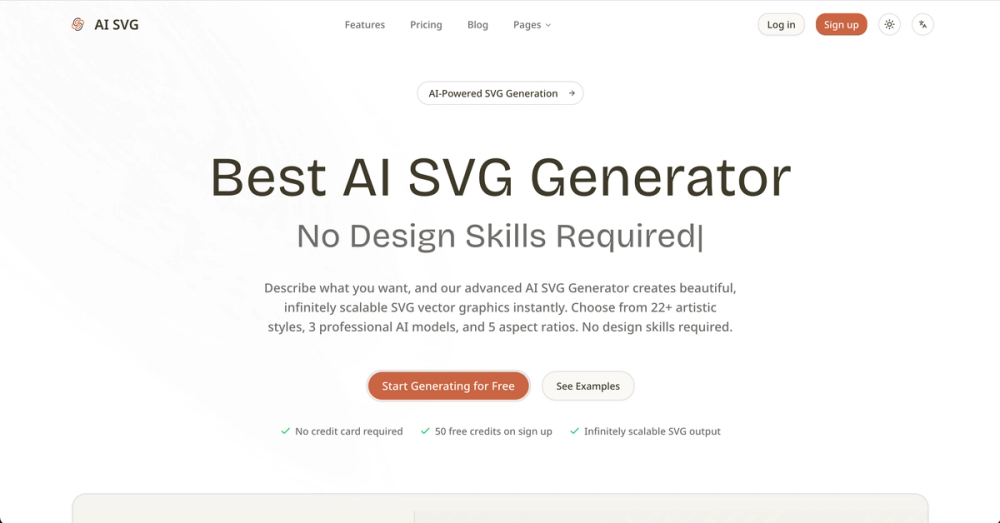
AI SVG Generator turns plain text prompts into professional-quality SVG vector graphics — instantly.
Unlike generic AI image tools that output raster PNG/JPG files, AI SVG Generator produces native SVG code: infinitely scalable, tiny file size, and fully editable. Paste it into your HTML, drop it into Figma, or open it in Illustrator — it just works.
What makes it different:
.svg file or copy raw SVG code to clipboardWho it's for:
Developers who need custom icons without a designer. UI/UX designers prototyping quickly. Content creators making social media graphics. Anyone who's ever spent 30 minutes searching stock icon sites for something that doesn't quite fit.
Pricing:
Trusted by 100,000+ creators. Start free at aisvg.art.