Newsletter
Join the Community
Subscribe to our newsletter for the latest news and updates
2026/05/26
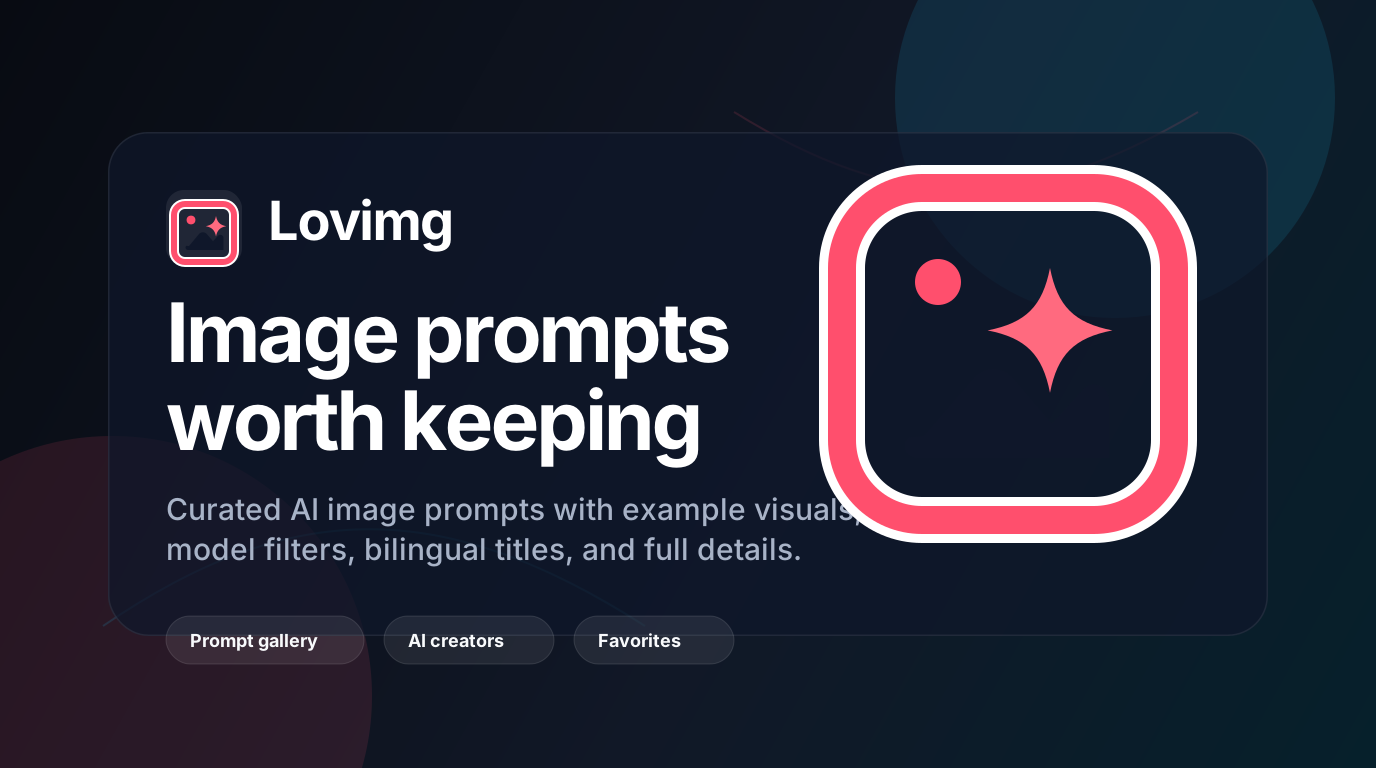
Lovimg is a curated AI image prompt gallery platform built specifically for creators. It's not just another inspiration board—it's a structured, searchable library of real-world prompt examples that help you:
💡 In short: Lovimg = "Pinterest + GitHub" for AI art—combining visual inspiration with reusable technical details.
Many beginners stare at a blank input box, unsure where to start. On Lovimg, you can study successful prompt structures from real examples and learn the proven formula: style description + subject content + technical parameters—boosting your output quality fast.
Lovimg organizes prompts across 20+ creative categories, including:
Whether you're a content creator, e-commerce designer, game artist, or hobbyist—you'll find relevant inspiration.
Lovimg's Favorites feature lets you save high-quality prompts with one click. Build your personal prompt library and say goodbye to chaotic browser bookmarks.
| Feature | Description | Value |
|---|---|---|
| 🖼️ See the Image First | Each card shows the generated result before the prompt—no more "great text, terrible output" surprises | Reduce trial-and-error, save time |
| 📝 Full Prompt Details | Click any image to view the original prompt, model used, tags, and contributor | Learn professional writing patterns and parameter logic |
| 🔍 Smart Filtering | Combine filters: model (Nano Banana Pro / GPT Image 2) + category + keywords | Pinpoint exactly what you need |
| ❤️ Personal Collections | Log in to save prompts and curate your own creative toolkit | Build reusable knowledge assets |
| 🤝 Community Submissions | Share your best prompts + example images; get featured after review |
Need eye-catching covers for Xiaohongshu, WeChat articles, or YouTube thumbnails?
→ Search "Social Media Post" + "GPT Image 2" to reuse high-engagement visual templates instantly.
Struggling with product main images, detail pages, or promo banners?
→ Explore the "Products & E-commerce" category to learn professional-grade product photography prompts.
Want to experiment with new styles but unsure how to describe them?
→ Study prompts in "Illustration & Art" or "Anime & Manga" to master the combo of style keywords + composition + lighting terms.
Need quick mockups for interfaces or icon concepts?
→ Use prompts from the "UI & Interface" category with Nano Banana Pro to rapidly generate design drafts.
Q: Is Lovimg free to use?
A: Yes! Browsing and copying prompts is completely free. Features like saving favorites or submitting content may require a free account—but core usage has zero barriers.
Q: Can I use these prompts commercially?
A: Content on Lovimg comes from public sources and community submissions. We recommend adapting prompts to your specific projects and ensuring copyright compliance. If you have concerns, the platform supports takedown requests.
Q: Which AI models are supported?
A: Currently, Lovimg focuses on prompts for Nano Banana Pro and GPT Image 2, with plans to expand to more mainstream models soon.
Q: How do I submit my own prompt?
A: Find the "Submit" button on any prompt detail page, upload your example image + prompt text, and wait for review. Approved submissions appear in the public gallery.
As AI image generation tools become mainstream, prompt engineering is emerging as a core skill for modern creators. Lovimg isn't about giving you "the answer"—it's about helping you develop prompt thinking: the ability to observe, deconstruct, reuse, and innovate.
🔗 Start exploring now: https://lovimg.com/
💬 Share your first "aha!" prompt discovery in the comments below!
This promotional content is based on publicly available information from the Lovimg website and does not constitute a commercial partnership. Creativity has no borders—tools are just enablers. May every creator find their unique voice. ✨
| Grow your influence and give back |