Newsletter
Join the Community
Subscribe to our newsletter for the latest news and updates
2026/05/26
Ever wondered how those brand accounts create a single large image that splits across their Instagram profile like a puzzle? The secret is simple: GridMaker.
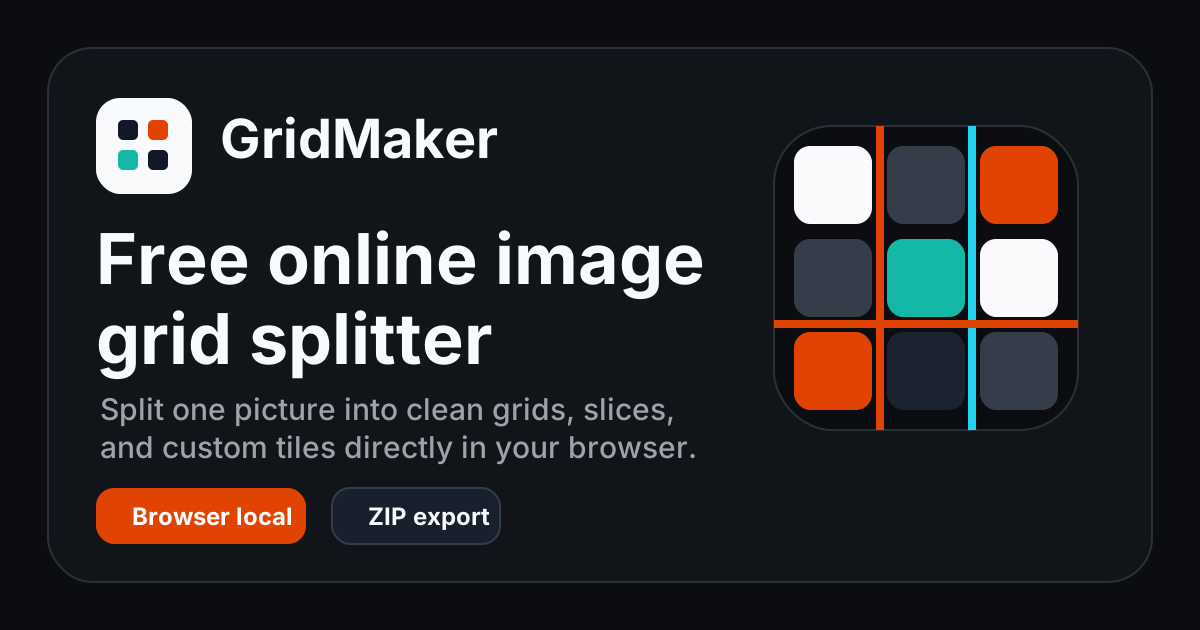
GridMaker is a free online image grid splitter – no signup, no software download. It runs entirely in your browser, turning one picture into clean grid tiles, vertical slices, horizontal strips, or a custom layout.
Whether it's an Instagram puzzle grid, a creative cover for Xiaohongshu, or product detail crops, splitting one image into multiple pieces and uploading them separately instantly makes your profile look more professional and engaging. In the past, this required Photoshop or complicated plugins – but GridMaker simplifies everything into 3 steps:
Everything happens locally in your browser – your images never leave your device. Safe for drafts, client assets, and private photos.
GridMaker offers four practical split modes, each designed for a specific use case:
| Mode | Example Use | Output |
|---|---|---|
| 3x3 grid | Instagram profile cover puzzle | 9 PNG squares |
| Vertical split | Panorama carousel for Instagram/Xiaohongshu | 5 vertical slices |
| Horizontal split | Story strips, poster sequences | 4 horizontal strips |
| Custom grid | Product detail comparisons for marketplaces | As configured |
For example: upload a wide panoramic photo and choose "Vertical split" – it automatically creates 5 continuous vertical panels. When uploaded as a carousel, users can swipe across the full scene.
Open GridMaker and the tool is right there on the page:
Because rendering uses Canvas locally, exporting a ZIP is almost instantaneous. No popup ads, no "sign up to download" tricks.
Q: Does it reduce image quality?
A: No – tiles are exported as clean PNG files with original clarity.
Q: Can I split animated GIFs?
A: GIF uploads are supported, but current exports are static PNG slices.
Q: Do I need to install anything?
A: Not at all. Just open GridMaker and go.
If you need a fast, clean, no‑hassle way to turn one image into a grid or slices, GridMaker is one of the simplest solutions available. No extra fluff – it focuses on one thing: image splitting – and does it smoothly.
👉 Try GridMaker right now – spend 30 seconds turning your next Instagram cover into a stunning puzzle grid.